/
News
Google opens Gemini and Search to MCP apps: what to know and how to apply

If you've built an MCP server or MCP App, you can already put it in front of users of AI assistants like ChatGPT, Claude, Grok, Meta's Muse and Microsoft Copilot. Until this week, Google was the exception, with no way for developers to bring their own app to Gemini or Google Search.
On October 28, Google launched the Connected Apps Platform. Now in preview, it lets developers put an MCP server or MCP App in the Gemini app and Search through a single console.
Google joins the app stores
Connected Apps already exist in Search and Gemini. More than 50 are live, from Adobe and Peloton to Experian and Localiza.
For anyone who has built on MCP, one server can now reach almost every major AI assistant. Each platform keeps its own review and its own rules, but the protocol underneath is the same.
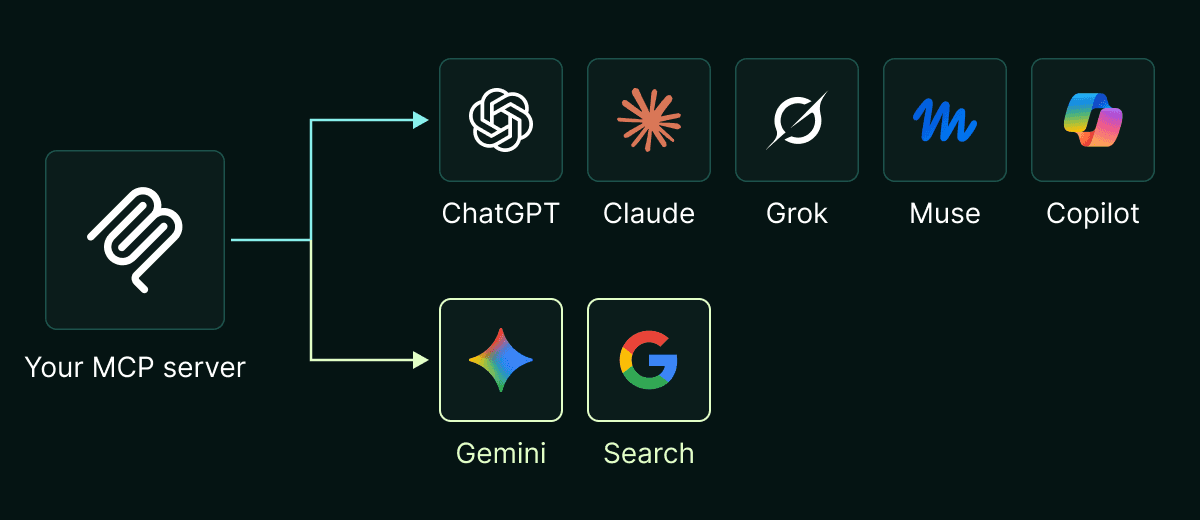
Gemini and Google Search join the AI assistants an MCP server can already reach.
What you can submit
Google takes three kinds of app: a remote MCP server that answers in text, an MCP App that adds interactive UI rendered inside Gemini or Search, or an Android app that exposes its features through AppFunctions, Android's on-device counterpart to MCP tools.
The developer guidelines are specific, and most of them follow from one idea: the model has to understand your app, and the app has to fit inside Google's interface.
On the server side, Google wants small, single-purpose tools with verb-noun names, so the model can pick the right one and chain several together. That's why a server with dozens of tools, or one sprawling "mega-tool", is sent back for fixes. Servers must use Streamable HTTP, and each tool should carry annotations such as readOnlyHint, which tell Gemini when to ask the user before acting.
On the interface side, MCP Apps get two display modes, an inline card or full screen. Modals, dropdowns and popovers are out, and an app must never send users out of Gemini or Search on its own.
How to apply
The first step is a form to register your interest. Alpic has applied for its own app, and the form asks:
whether you have a Google Play Developer account
your app's category, from food and grocery to small business finance
whether you're targeting Search (in AI Mode), the Gemini app, or both
whether your app is text-only MCP or an MCP App
when it will be ready, and whether it's already live on other AI platforms
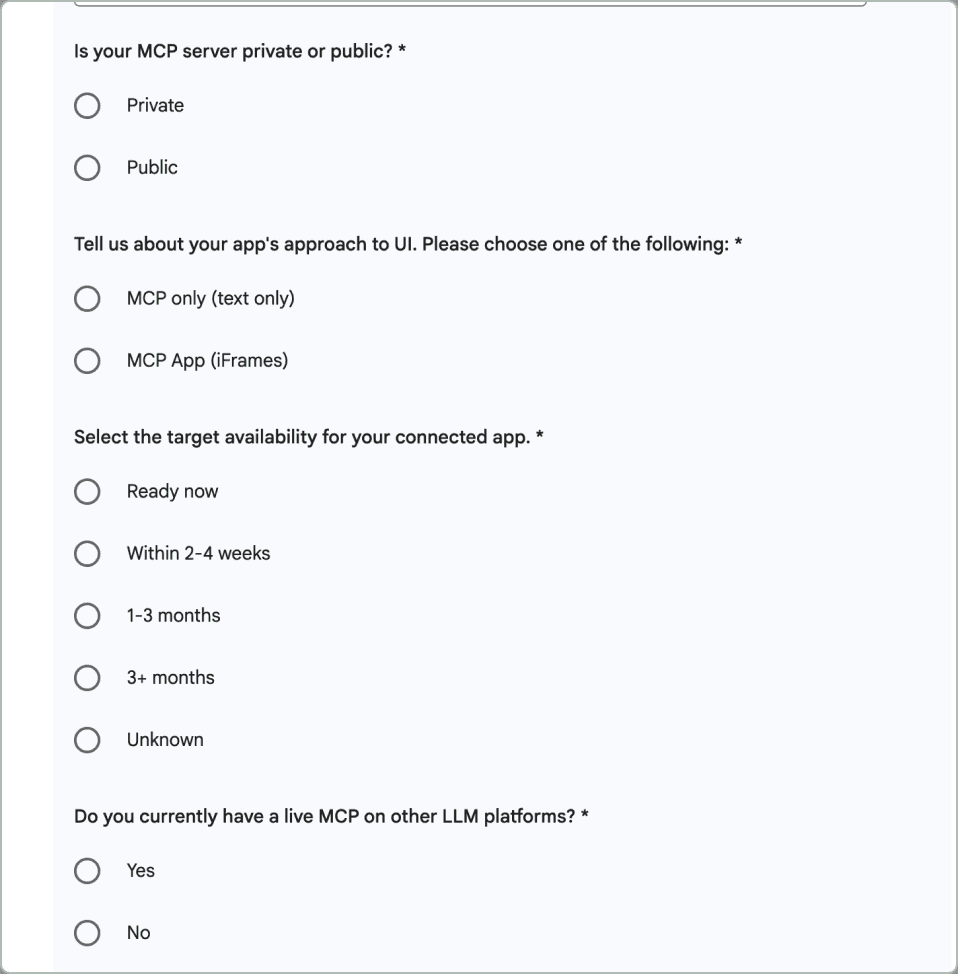
Google's form asks whether your server is public, whether it's text-only or an MCP App, and when it will be ready.
Once Google gives you access, you connect your server in the Google Connected Console, try it with testers and in Developer Mode, a workspace that logs each tool call with its payload and latency, then submit the app itself for review before it goes live. Google is admitting developers in phases and hasn't said how long applications take, who qualifies, or which countries the preview covers.
Server health and usage
For live apps, Google says developers will see traffic, latency and error rates. That puts Google level with Anthropic, whose directory shows usage, errors and latency in beta, and ahead of OpenAI, which offers no public dashboard for published ChatGPT apps.
It's a welcome start, but a basic one. Google hasn't documented the metrics yet, and like Anthropic's, they only count traffic from its own products. An app that runs in Gemini, ChatGPT and Claude ends up with three partial views.
Alpic Analytics records every session at the platform, across all clients, and goes further: latency and success rates per tool, errors broken down by type, and the intents and feedback that show what people actually ask your app to do.
What to do next
If your MCP server or MCP App is already live elsewhere, apply now, since Google is letting developers in a few at a time. Read the build guidelines first, because an app designed for ChatGPT may need tweaking to pass Google's review.
Don’t have an MCP app yet? Use our framework Skybridge and deploy on Alpic for advanced insights from your app in every assistant from one dashboard!