/
MCP Guides
WebMCP explained: what it is, how it works, and how to use your existing MCP server as an entry point
The agentic web has a crawling problem.
MCP already solved a lot of the hard parts of agent-to-service integration. When an AI agent interacts with a product through an MCP server, or through a ChatGPT or MCP App, the interface is structured and purpose-built for model consumption.
But that's only one mode of agent operation. When agents browse the open web, they're back to the old methods: taking screenshots, parsing HTML, and guessing which element corresponds to which action. That’s slow, expensive, and fragile.
WebMCP (Web Model Context Protocol) is a browser-native API standard, jointly developed by Google and Microsoft, that extends the same tool-based approach to that second context. It takes the same core primitives from MCP (tool calling with schemas and descriptions) and makes them available through a browser API, so websites can declare their capabilities to browsing agents directly.
The two are complementary: a travel booking site might run an MCP server for API-level agent integrations, expose a Claude or ChatGPT App for in-chat interactions, and implement WebMCP on its public website for agents browsing on a user's behalf. Three surfaces, one consistent MCP-based approach.
How it works
WebMCP lives at navigator.modelContext. Through this API, a webpage exposes tools the same way an MCP server does: a name, a description, an input schema, and an implementation function. The browser handles protocol negotiation with the agent.
There are two approaches: a Declarative API for simple actions expressed in HTML forms, and an Imperative API for complex, dynamic interactions via JavaScript.
WebMCP is scoped narrowly for now. The current specification covers tools only: named functions with descriptions and typed input schemas. There are no equivalents to MCP's resources, prompts, or sampling primitives. For the full technical details, the spec is maintained by the W3C Web Machine Learning Community Group at github.com/webmachinelearning/webmcp.
Why it matters
For businesses, the implication is straightforward: sites that implement WebMCP give browsing agents a fast, reliable, token-efficient interface to work with. Browsing agents can call bookFlight(destination, date) directly instead of interpreting a page visually. That means fewer failed interactions and lower compute costs on the agent side, which translates to better outcomes for users delegating tasks to AI assistants.
In that sense, WebMCP is a natural extension of the agent-accessibility stack businesses are already building. llms.txt and structured schema help agents understand what a site does. WebMCP lets them act on it. Each layer makes your website more useful to agents operating on behalf of users.
Is WebMCP the new key to discoverability?
However, it’s worth being realistic about where this fits. Here at Alpic, we believe that most serious agent-to-service integrations will happen through fully fledged MCP logic, not browser-level tool discovery.
Most website and brand user journeys are complex and are better served by server-side logic. And fully autonomous agents don't need to "visit" a website at all; they'll call APIs or MCP servers directly.
Where WebMCP genuinely matters is the transitional period while businesses build out their agent-native, and as a lighter-weight complement for the browsing context specifically. We think of it less as a fundamental shift and more as a pragmatic bridge: making the existing web more agent-readable without requiring a full backend integration.
That said, predicting how agents will interact with the web is a bit like predicting in 2005 how people would browse it. Agent interaction patterns will likely be just as varied, and browser-based discovery may matter more than we expect. We'll find out through usage. But in either case, starting with a well-designed MCP server ticks more boxes and gets you further, faster.
What we built: webmcp-proxy
That’s why we built the webmcp-proxy. Many companies building for agents already have MCP servers where they’ve defined their tools, schemas, and business logic. Rewriting all of that as client-side calls is work with no real upside.
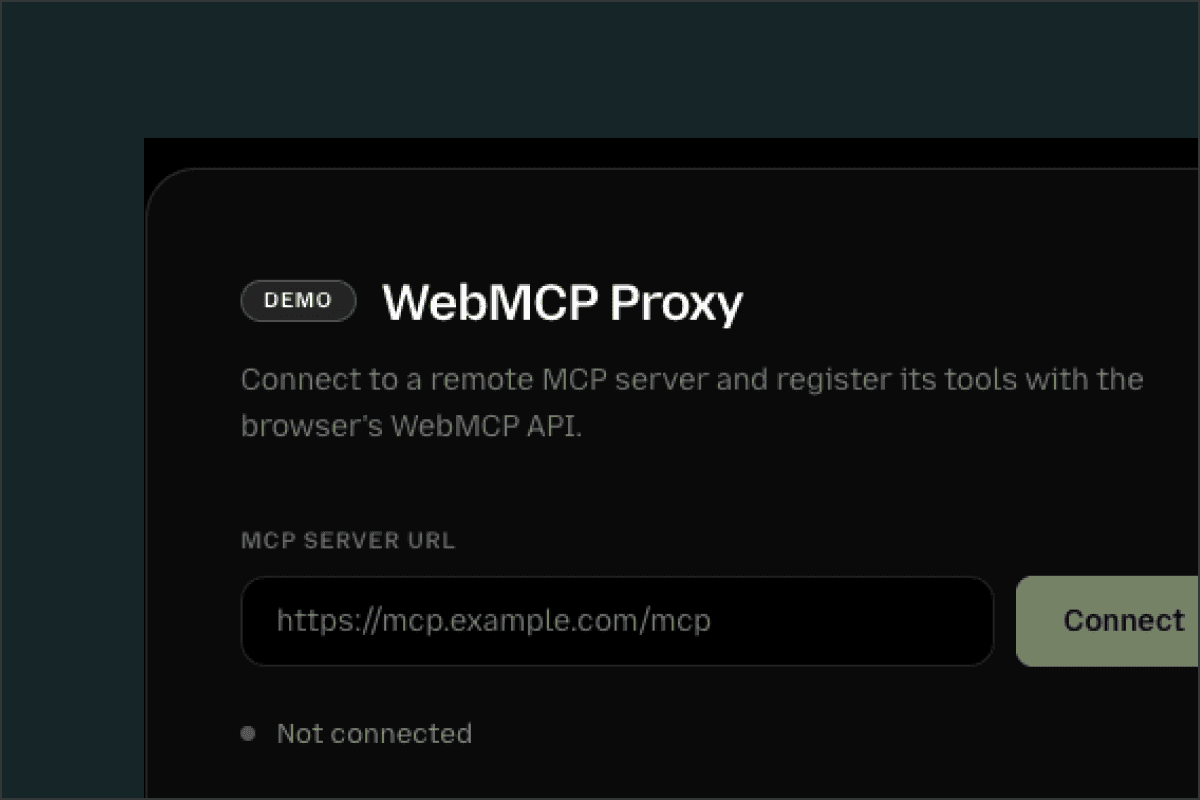
Our open-source webmcp-proxy library bridges an existing MCP server to the WebMCP browser API. The idea is simple: instead of maintaining two separate tool definitions, one for your MCP server and one for WebMCP, you point the proxy at your server and it handles the translation, exposing your MCP server tools via the WebMCP APIs.
jsx
<WebMCPProxy url="https://my-amazing-mcp-server.com/mcp" />
It works with React, Vue, or vanilla JS. Your existing MCP tools show up immediately for any browsing agent that supports the WebMCP standard. No need to rewrite or have duplicate definitions.
We built webmcp-proxy because we think the MCP ecosystem shouldn't have to start from scratch for every new surface agents land on. Your website is now a discoverability channel for AI agents, and it shouldn't take a rewrite to open it up!
Give our WebMCP proxy a try or a star ⭐️: https://github.com/alpic-ai/webmcp-proxy
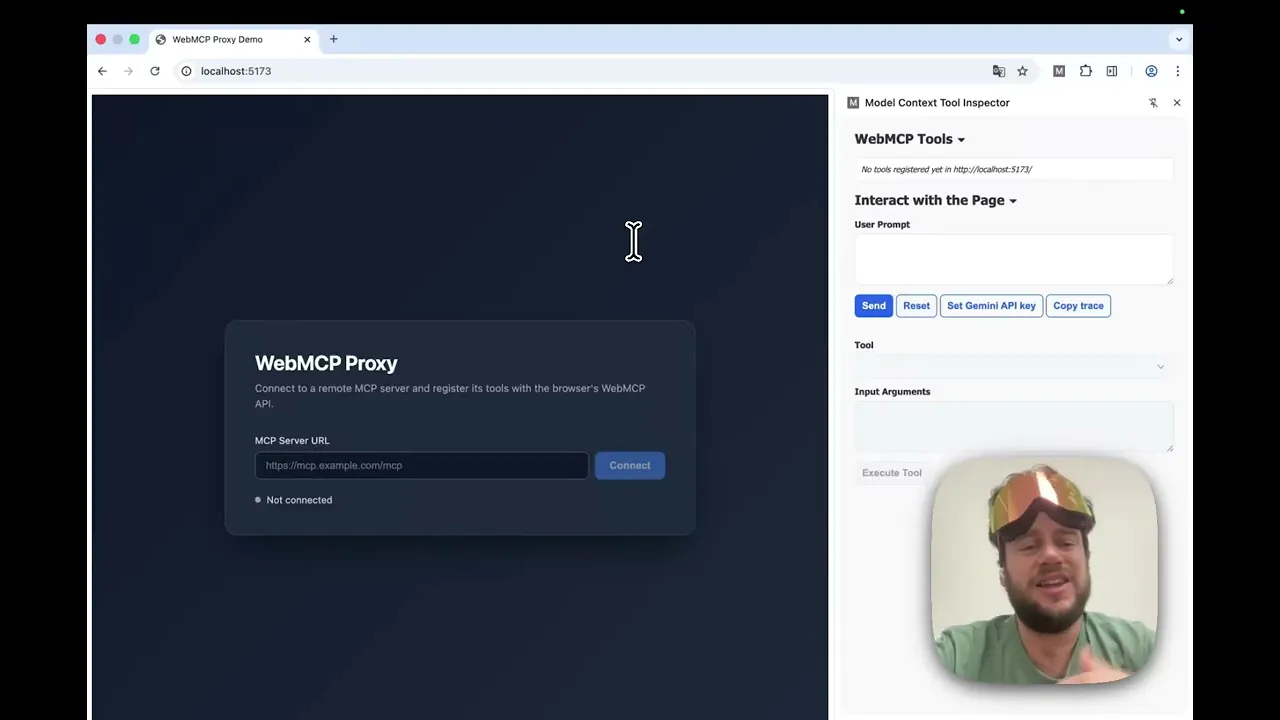
Access the demo (use Canary Chrome with the webMCP flag enabled): https://webmcp.netlify.app/
And check out our quick video demo below
Liked what you read here?
Get our newsletter!