/
MCP Guides
Skybridge supports MCP Apps: building cross-platform AI interfaces
When we set out to build Skybridge, we wanted to make it easier for developers to build ChatGPT Apps with all the fixings of a modern development workflow. But we always knew there would be more than one platform and standard.
In late 2025, Anthropic introduced MCP Apps, an extension to the Model Context Protocol for interactive AI UIs. This created a challenge: developers would need to build for ChatGPT's Apps SDK, the MCP Apps protocol, or maintain both.
Today, Skybridge bridges that gap. Build once with our framework and deploy to both ChatGPT and MCP Apps-compatible hosts.
What is MCP Apps?
MCP Apps extends the Model Context Protocol to let AI applications deliver interactive interfaces. Instead of text-only responses, users can interact with dynamic widgets, charts, forms, and custom interfaces within the MCP ecosystem.
Unlike OpenAI's Apps SDK, which provides a complete runtime environment with a rich API, the MCP ext-apps simply defines the protocol for communication between the MCP Host and Guest UI. The transport layer is standardized, but implementation details (asset loading, sandboxing, developer tools) are left to each host.
In other words, MCP Apps defines only the protocol, not a high-level SDK. Without extra work, a widget written for ChatGPT Apps cannot run on an MCP Client.
How it works
Skybridge implements MCP Apps through two key components: mcp-app-bridge.ts handles the core protocol communication, while mcp-app-adaptor.ts exposes functionality through React hooks.
Rather than dealing with raw protocol messages, you use existing Skybridge hooks like useTheme(), useDisplayMode(), useCallTool(), and useOpenExternal(). Skybridge handles the initialization handshake, listens to host notifications, and routes calls to either the ChatGPT Apps SDK or MCP ext-apps bridge depending on the host environment.
For a look at how it works, check out our examples of different types of apps you can build on Skybridge: https://github.com/alpic-ai/skybridge/tree/main/examples
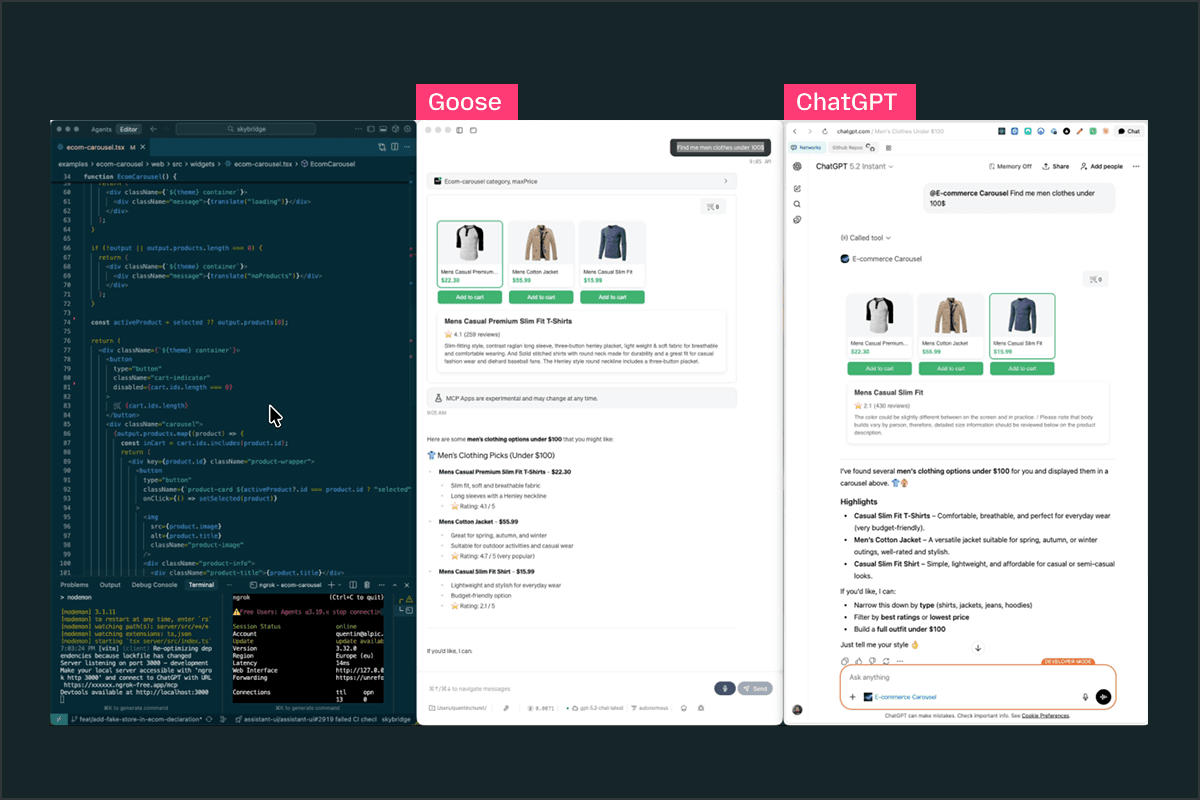
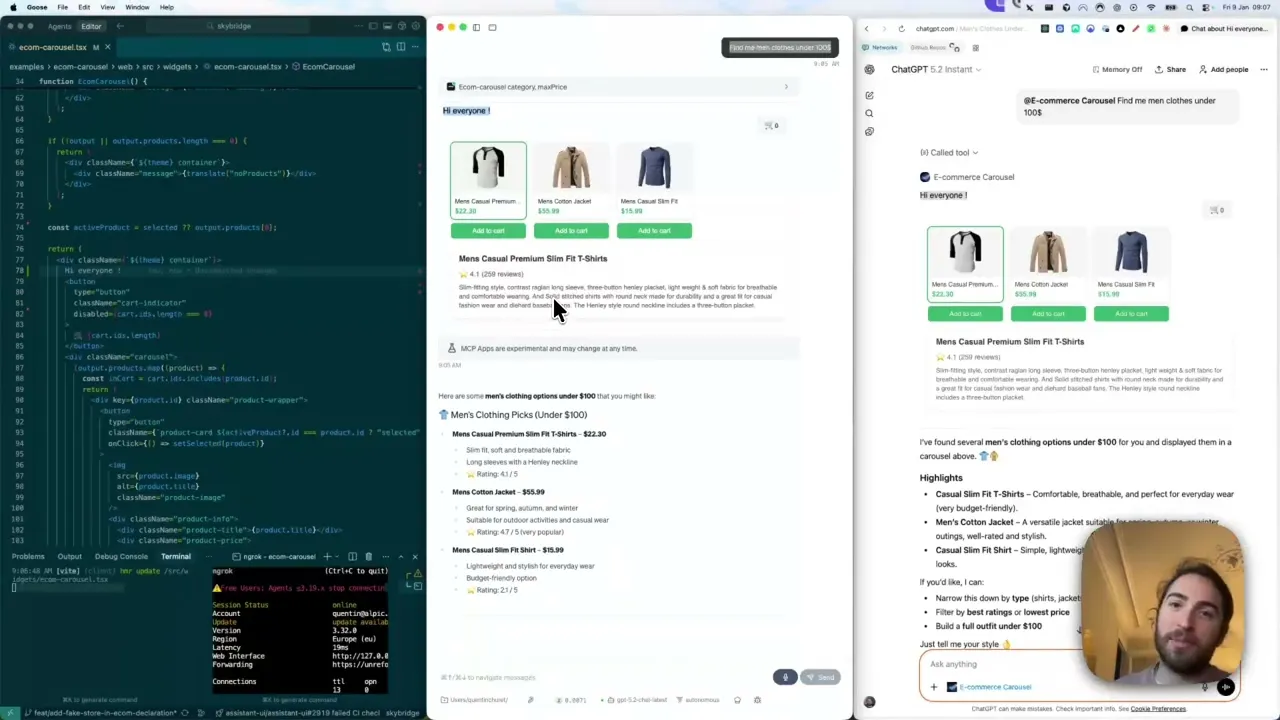
And to see it in action on an e-commerce app, check out our video demo below!
Running a Skybridge app on ChatGPT and Goose in parallel, with hot module reload.
What's next
While we’ve already covered a good portion of the MCP Apps spec, some features are still in development, including complete tool metadata exposure, full CSS theming variable support, advanced display mode options, and certain streaming capabilities.
Skybridge is open source, so if you need a specific feature or want to contribute, check the project's issue tracker or open a pull request!
Try it out!
Good news! If you already have an App developed with Skybridge, you don’t have anything to do. Simply upgrade your Skybridge dependency to ≥0.21 and you’re good to go. You'll keep all your existing features, including Vite-powered hot module reload for real-time updates within the AI conversation interface.
In terms of testing, several major MCP clients have announced beta support for MCP Apps this week, so you can test your apps on:
Goose (≥1.19.1)
VSCode (≥1.109.0-insider)
MCPJam inspector (≥1.4.4)
Postman (≥11.80.0)
If you're using Alpic, you can simply deploy and test your app in our playground.
Ready to start building? Get started today!
Explore the GitHub repository
Read our docs at skybridge.tech
Join our Discord
Liked what you read here?
Get our newsletter!