/
MCP Guides
In ChatGPT/Codex merge, OpenAI combines Apps and plugins, all based on MCP

Yesterday OpenAI pushed a major release.
While most of the news coverage went to the ChatGPT/Codex merge and GPT-5.6 models, another major update has huge implications for connecting your favorite services to ChatGPT: Plugins.
This is a combination of the ChatGPT apps directory and Codex plugins, and here is our first read on what it is and what it changes for you.
The context: ChatGPT and Codex become one platform
OpenAI folded the ChatGPT and Codex teams into a single product group back in May. Yesterday's app release is the fruit of that decision. The goal was a single surface where you can have a conversation, write and run code, manage files, connect to external tools, and schedule work, all without switching between apps.
The Apps directory becomes “Plugins”
In December 2025, ChatGPT launched the apps directory for interactive connectors based on the MCP protocol and rich UI features from the MCP apps extension.
Starting in March, OpenAI was building out a plugin ecosystem for Codex in parallel: first 20 integrations (such as Slack, GitHub, Google Drive, Notion), followed by dozens of role-specific plugins for different enterprise tools.
Today these have been combined and merged under a single umbrella: Plugins.
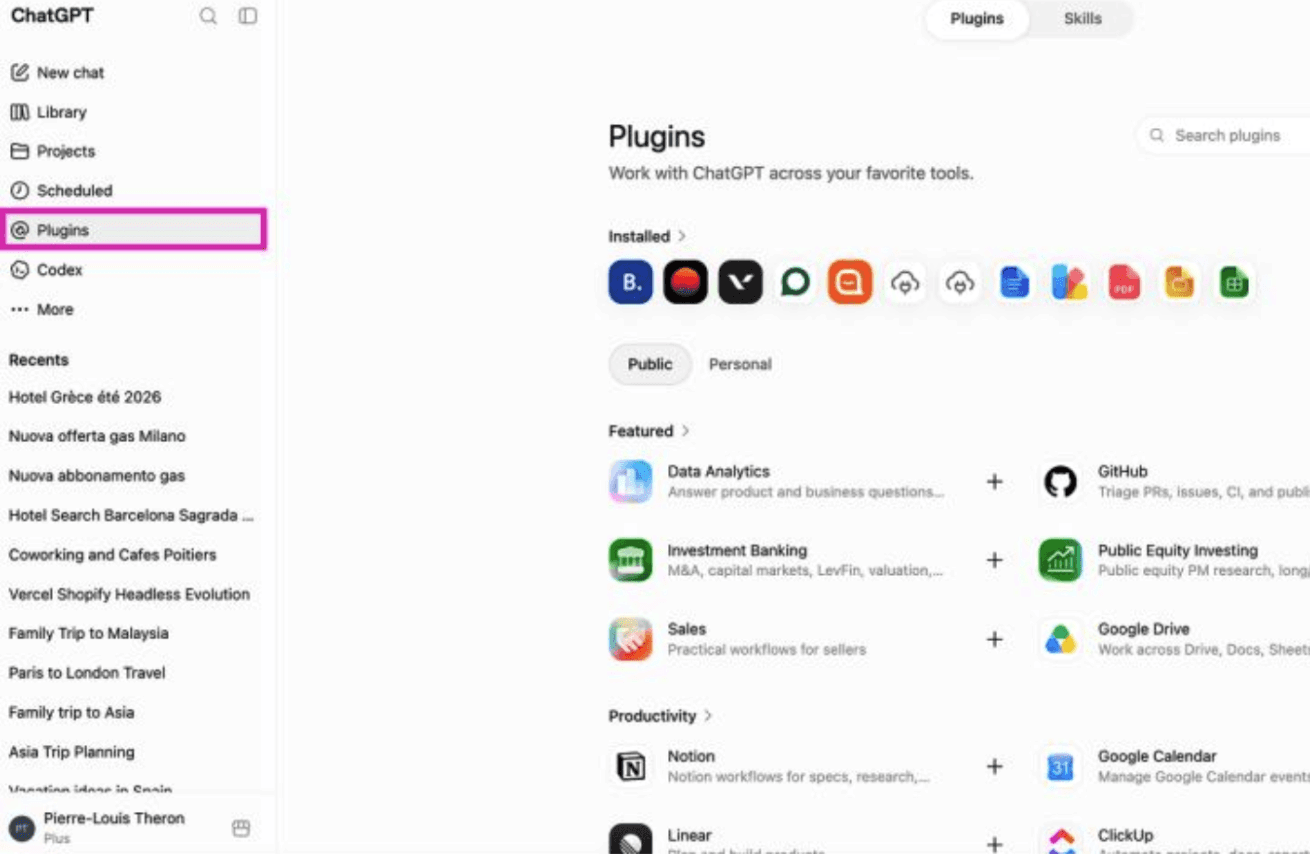
What’s a plugin?
Today these have been combined and merged under a single umbrella: Plugins.
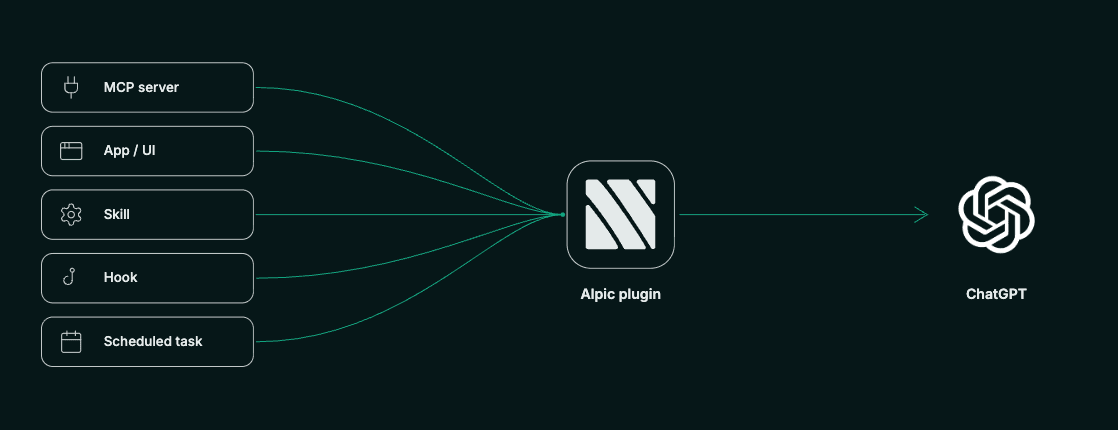
A plugin is not a new technology. It is a bundle that combines several capabilities ChatGPT already offered separately into a single unit.
Three main components form its core:
Skills define how and when ChatGPT should use your integration, so the model applies it correctly on its own rather than relying on the user to instruct it each time.
An MCP server handles the connection between ChatGPT and your service, exposing the tools the model can call.
A GPT app provides the interface, giving your integration a dedicated UI the user can see and interact with directly inside the conversation.
A plugin can also include additional elements such as hooks, browser extensions and scheduled task templates to give your service even more capabilities.
How about my existing GPT app?
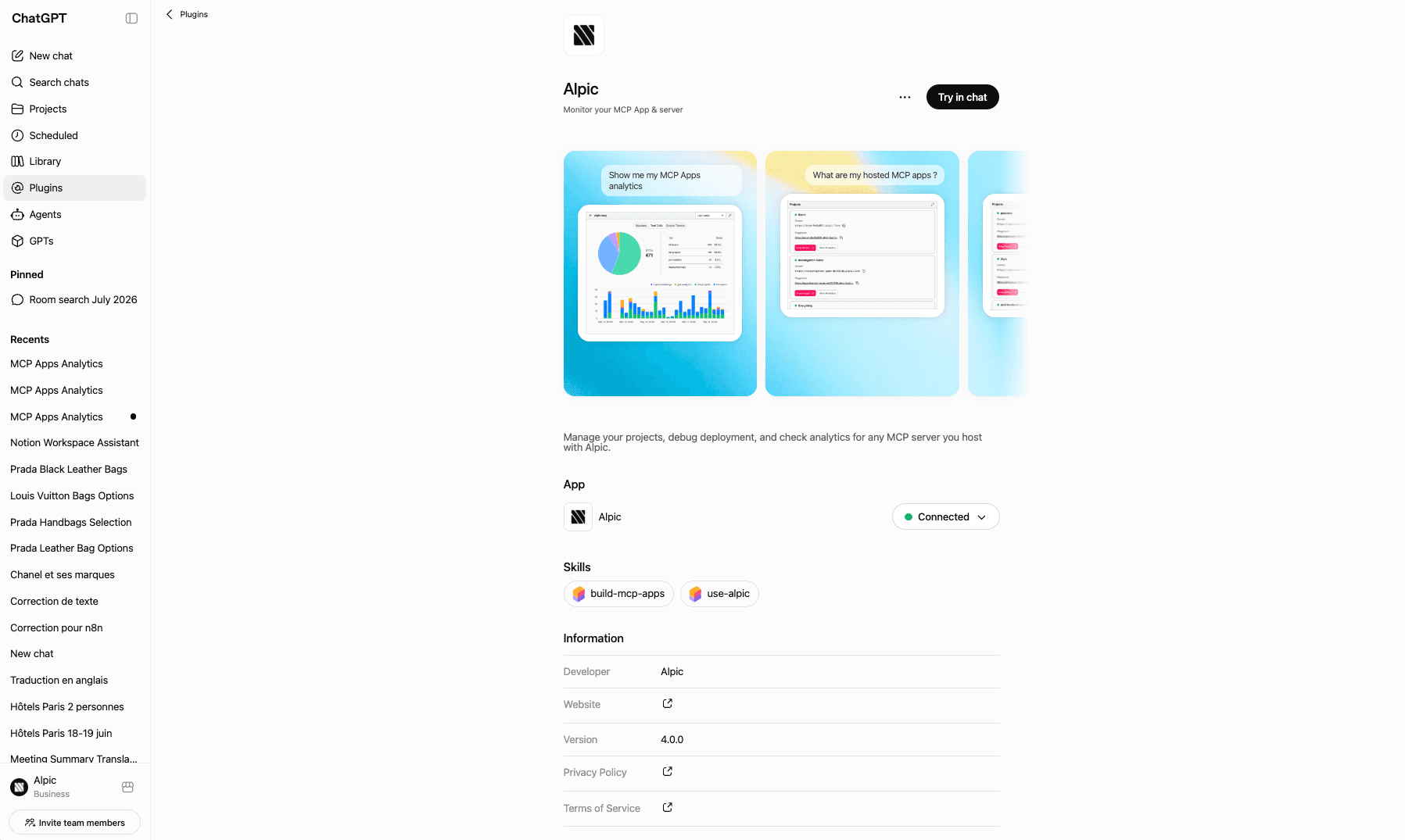
Existing apps keep working and have already been moved into the Plugins section, so there is nothing to resubmit. Your MCP server or app stays exactly as it is; a plugin simply wraps it.
For those with existing apps, a skill is a low-effort addition that can make your plugin more powerful. A skill is simply a Markdown file that describes your app's use cases, when to invoke it, and how to work with it. No code changes to your MCP server or widget.
And what if I’m creating a new one?
The path hasn’t changed! OpenAI still recommends building an MCP app if your service needs the combination of tools plus rich interactive UI.
What about discoverability?
Once a plugin is installed, users can invoke it by describing their task and letting ChatGPT pick the right tool, or by calling it directly with @. The July 9 changelog also notes that "eligible turns can recommend and install relevant plugins," meaning ChatGPT should be able to surface and install a plugin mid-conversation.
We haven’t seen that work in practice yet but are watching closely to see how OpenAI is implementing dynamic discovery! Shipped next to ChatGPT Work, plugins confirm how hard OpenAI is pushing into B2B, and it’s likely they align at least in part with Claude, which already does dynamic discovery for their connector directory.
From our testing, rollout has been limited to paid accounts, although it will surely be extended to all ChatGPT users soon. Stay tuned and in the meantime, if you’re looking to build an interactive experience with your product or service in ChatGPT, check out our MCP apps framework Skybridge and the Alpic full-service cloud platform designed for MCP!
Liked what you read here?
Get our newsletter!